
SRSS Digital 3.1 — October 2026
SRSS runs on its own version track, separate from the Analytics platform. This release covers SRSS-IE work shipped between July and October 2026.
Student Snapshot
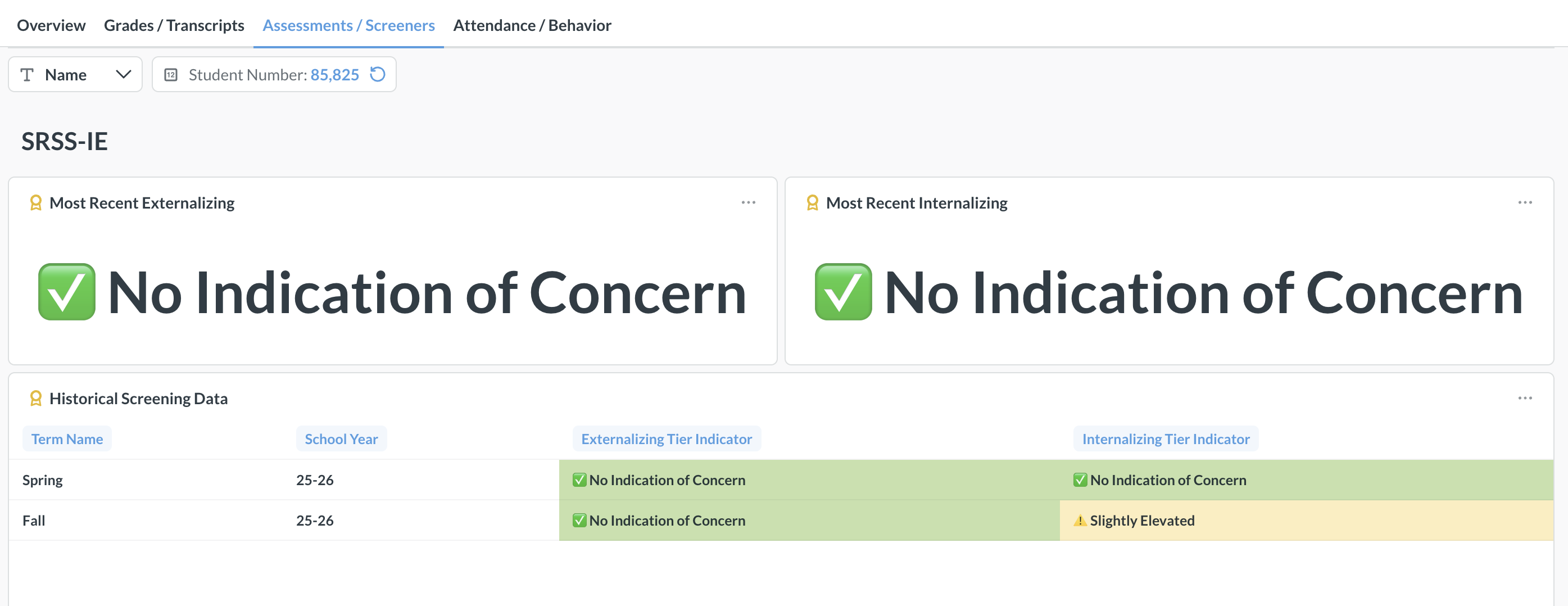
Standard Education introduced the Student Snapshot, a single-student view of SRSS-IE screening history.
Previously, SRSS-IE results were available only in aggregate. A teacher or counselor looking at a flagged student could see the current term's tier, but had no way to tell whether that result was new or long-standing without exporting scores and comparing terms by hand.
The Student Snapshot puts that history on one page. The top of the dashboard shows the student's name, school, current grade, and the date of their most recent screening. Below it, the most recent externalizing and internalizing tiers are displayed with color and icon indicators. A Historical Screening Data table lists every prior screening by term and school year, most recent first, so a change between administrations is visible at a glance.

Student Snapshot is reachable directly from the score dashboards: Student ID values are now linked, so clicking a student number opens that student's full screening history.
Note: if you’re an SRSS-IE + Analytics customer, you can also access the SRSS-IE data via the student dashboard→Assessments
SRSS Scores — Teacher View
This release adds a teacher-level view of SRSS-IE results, built on the same data as the district and school dashboards but scoped to a single classroom.
The view opens with two counts — how many students were screened and how many were flagged in either area — followed by Externalizing Summary and Internalizing Summary breakdowns by tier. School year and term filters sit at the top of the page.

Below the summaries are two tables. Students to Watch pulls out anyone flagged in either area, so a teacher can start with a short list rather than reading an entire roster. Class Roster shows every student screened, with both tier indicators.

The Teacher View is published at the district and school level, and can also be assigned to individual teacher accounts so each teacher signs into the portal and sees only their own students.
Help Center
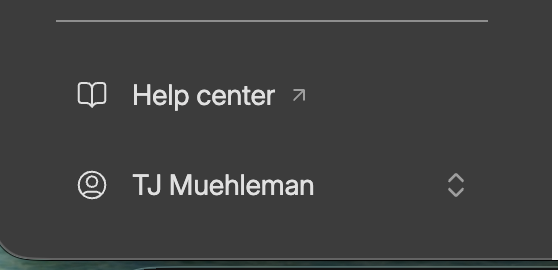
SRSS-IE documentation now lives at docs.standardeducation.com, linked from the portal's left rail under Help Center. It covers roster preparation, teacher links, opt-outs, completing the screening, monitoring completion, and the scores dashboards and exports, and it replaces the implementation decks that were previously emailed to districts.
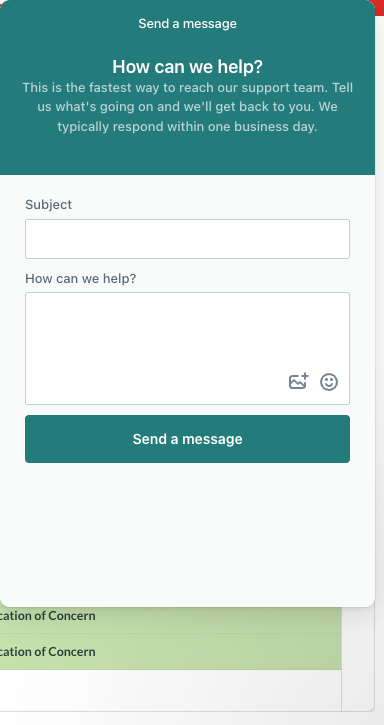
Every dashboard page also carries a support button in the lower-right corner that opens a direct line to the Standard Education support team.
Improvements and Fixes
- The Student ID filter is now suppressed on the Student Snapshot dashboard, so a teacher can only open students on their own roster.
- SRSS teacher links and status dashboards now carry a school filter, so results scope automatically to the correct building in multi-school districts.
- Corrected missing data on the Student Snapshot dashboard.
- Added the "opted in" filter to the status dashboard for districts where it was unavailable because no screening data existed at the time the dashboard was built.
- Brought the demo SRSS scores dashboard in line with the current version.
- Fixed the status dashboard in the demo district.
Availability
Student Snapshot and SRSS Scores — Teacher View are included with SRSS-IE at no additional cost and are enabled at the district and school level by default. Teacher-level dashboard accounts are set up on request — contact support@standardeduanalytics.com to have them provisioned for your district.
See How Standard Education Can Help Keep a Pulse on Your District
We're dedicated to student success. Our real-time dashboards provide the insights to transform educational strategies, ensuring every student has the opportunity to thrive.
Subscribe to the Report Card
Join us for the latest updates on our platform and customer success stories—right in your inbox.